Prompting for video

Subject and action, scene, style and camera movement, and how to steer a clip from first frame to last.

  • 1 step-by-step lesson
  • 13 techniques
  • 12 example pictures
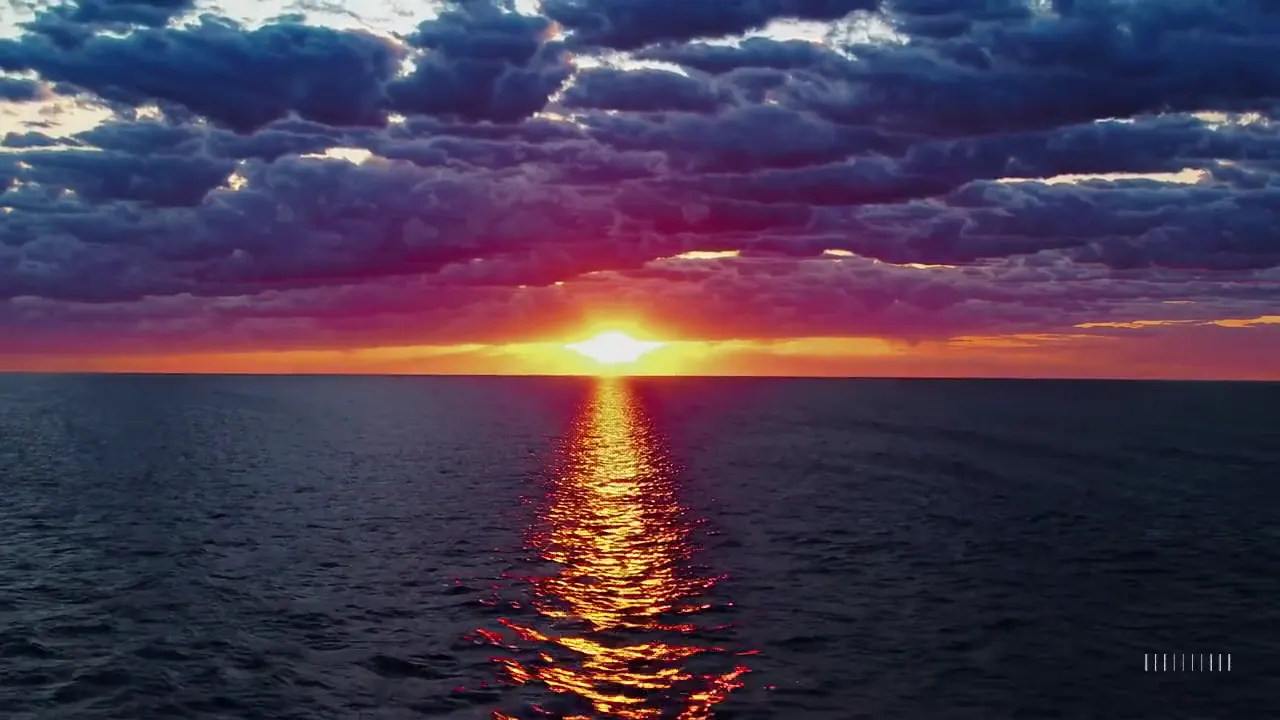
Generate a video of sunset over the ocean
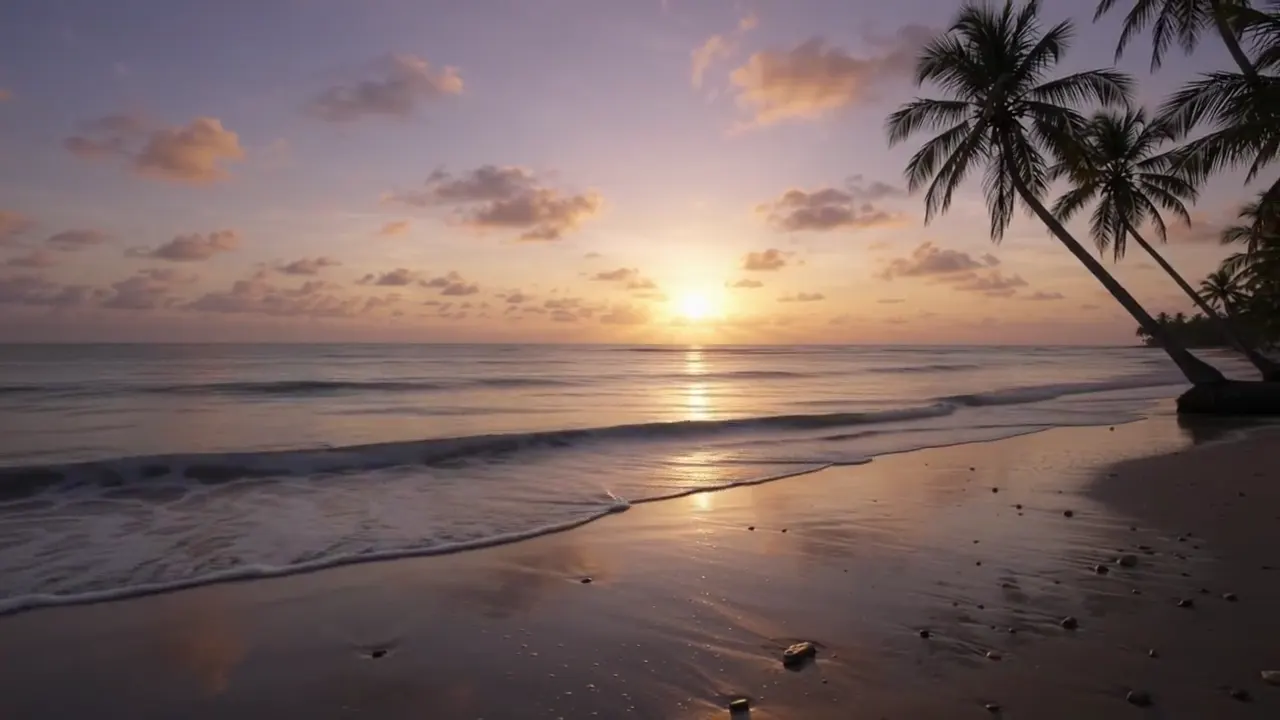
Generate a video of sunset over the ocean with tropical beach, golden hour lighting, clear sky with scattered clouds, early evening, vibrant orange and purple hues, gentle waves lapping at the shore
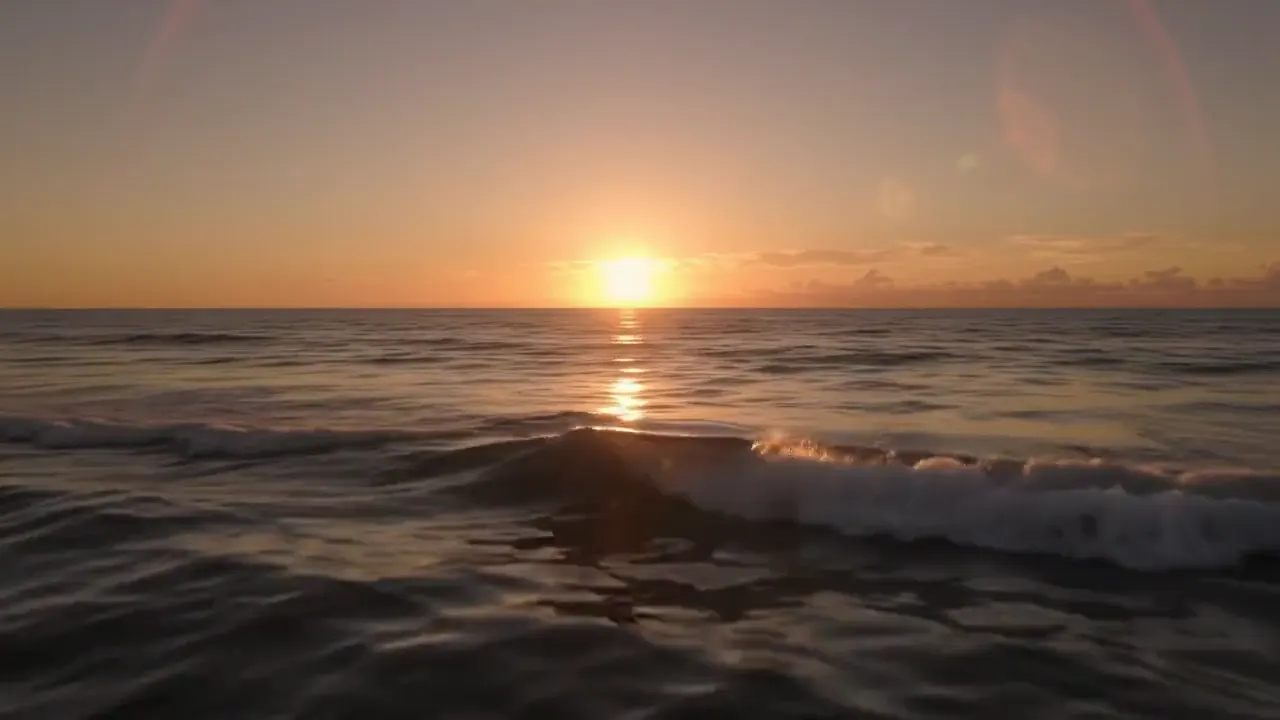
Generate a cinematic video of sunset over the ocean with golden hour lighting, warm color grading, contemplative mood, nature documentary style, contemporary look, minimalist aesthetic, subtle lens flare
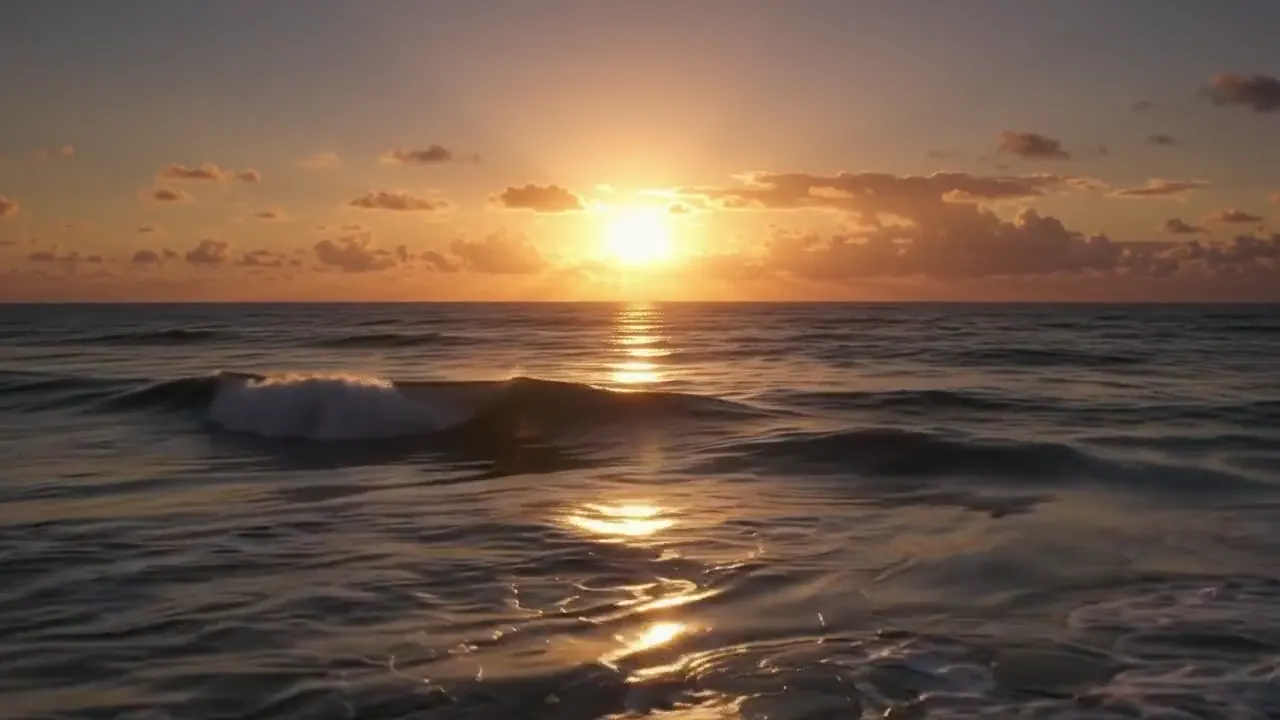
Generate a cinematic video of sunset over the ocean with golden hour lighting, shot on RED digital cinema camera, anamorphic lens, slow tracking shot, 24fps, 4K resolution, 2.39:1 aspect ratio
Start here · 7 min lesson

Video prompts in four layers

One sunset, four layers (subject, scene, style, camera). See how each layer changes the clip.

Start the lesson →
See the difference

Techniques you can see

Examples from each maker’s own guide: the prompt, and what it made.

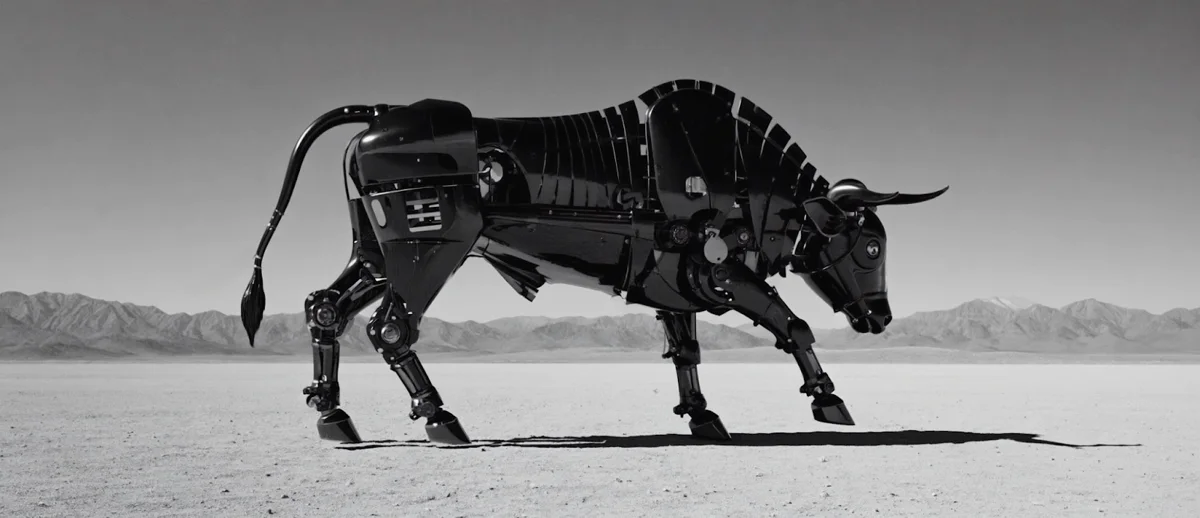
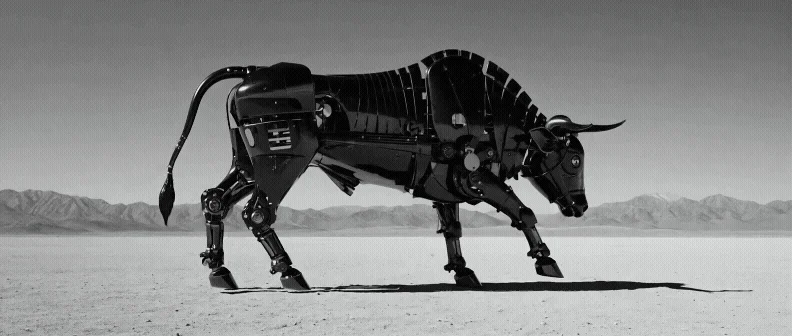
Mechanical bull
Build the Prompt One Element at a Time (Runway Gen-4): Mechanical bull
+ 2 more examples in the lesson
Pictures: Runway (help.runwayml.com)

Build the Prompt One Element at a Time (Runway Gen-4)

Start with only the essential motion, then add subject motion, camera motion, scene motion, style, one at a time.

a handheld camera tracks the mechanical bull as it runs across the desert. the movement disturbs dust that trails behind the mechanical creature. cinematic live-action.
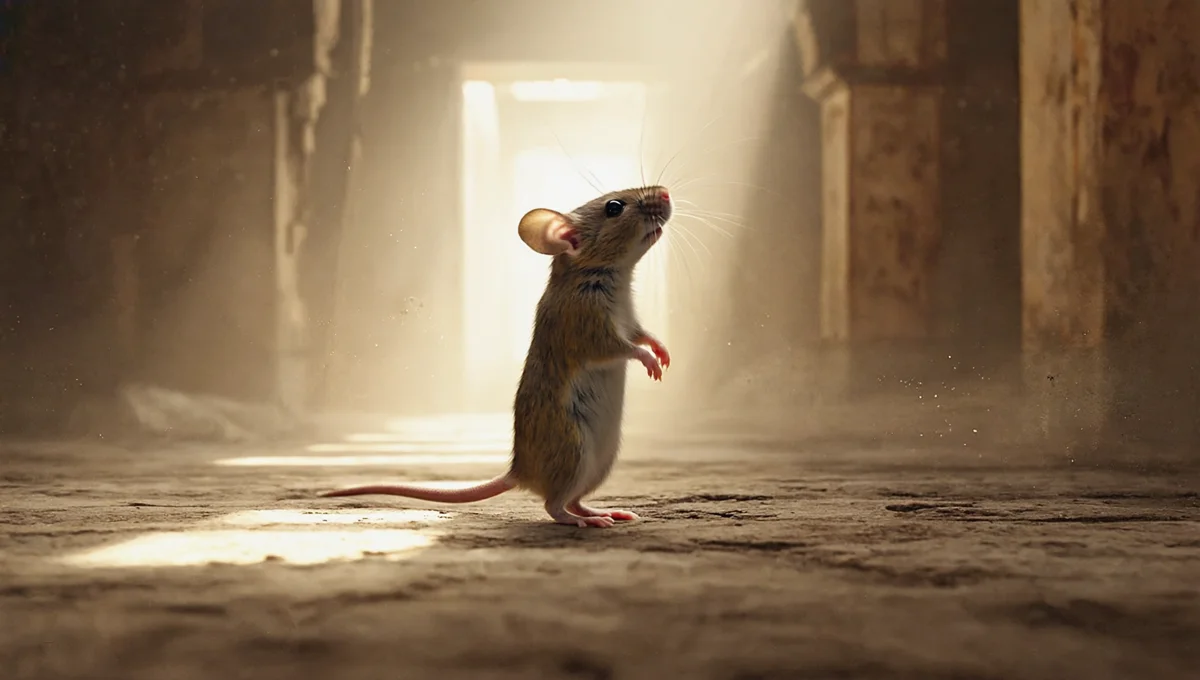
Camera Motion Terms (Runway Gen-4.5): example
Pictures: Runway (help.runwayml.com)

Camera Motion Terms (Runway Gen-4.5)

Name movement style (locked, handheld, dolly, pan, etc.), tracking vs independent movement, focus shifts.

the handheld camera tracks the mouse as it scurries away.

Veo Negative Prompts - Describe, Don't Instruct: Without the negative promptWithout the negative prompt
Veo Negative Prompts - Describe, Don't Instruct: With it: no cityWith it: no city
Pictures: Google Cloud (cloud.google.com)

Veo Negative Prompts - Describe, Don't Instruct

Don't use 'no / don't' ('no walls'); instead list what you don't want: 'wall, frame'.

Same prompt + negative prompt: urban background, man-made structures, dark, stormy, or threatening atmosphere.

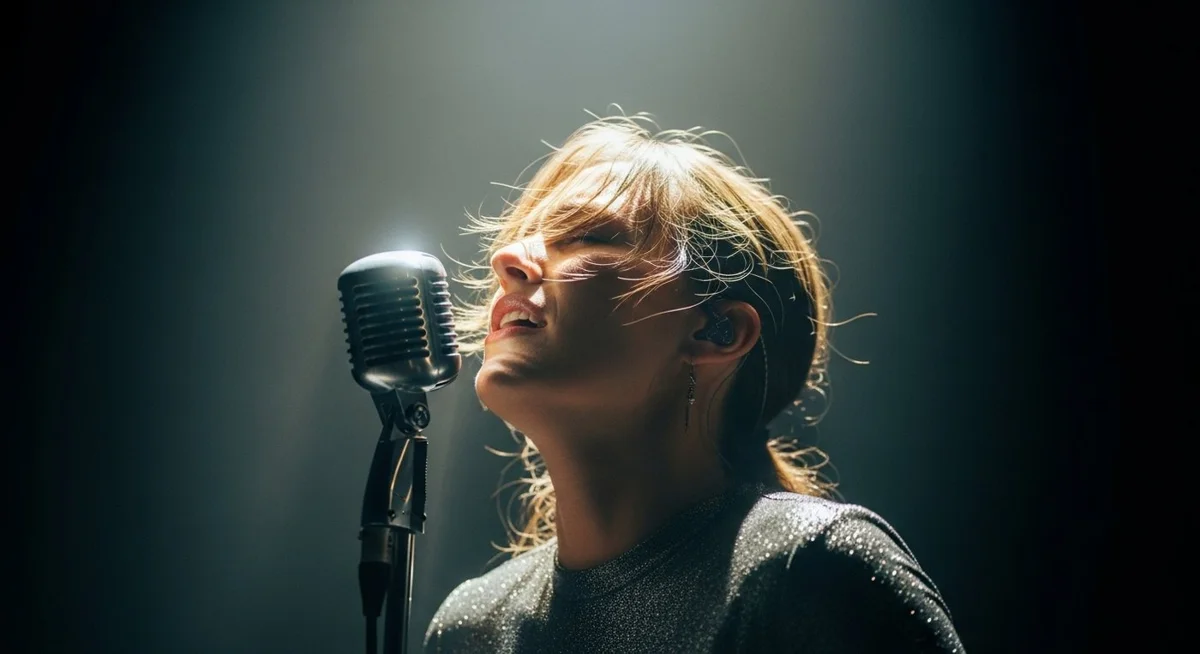
Veo First and Last Frame Transition (Veo 3.1): First frameFirst frame
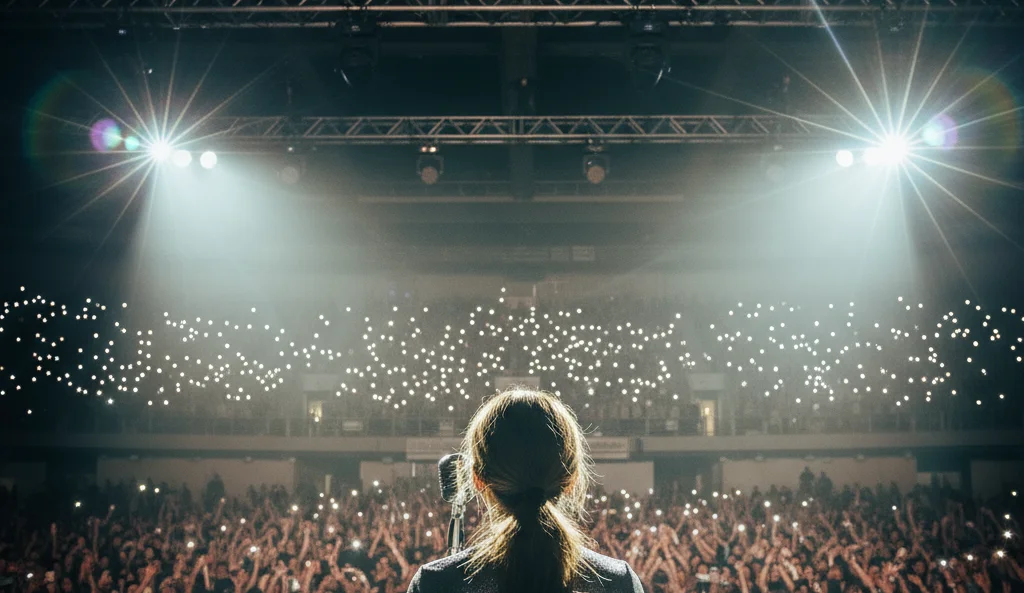
Veo First and Last Frame Transition (Veo 3.1): Last frameLast frame
Pictures: Google Cloud (cloud.google.com)

Veo First and Last Frame Transition (Veo 3.1)

Generate a start frame + end frame in Gemini 2.5 Flash Image, then Veo animates the transition between them with audio.

Start image: Medium shot of a female pop star singing passionately into a vintage microphone... End image: POV shot from behind the singer on stage, looking out at a large, cheering crowd. Veo prompt: The camera performs a smooth 180-degree arc shot, starting with the front-facing view of the singer and circling around her to seamlessly end on the POV shot from behind her on stage. The singer sings 'when you look me in the eyes, I can see a million stars.'

Every technique

All 13 video techniques

Each opens on its own slide: the plain prompt, the better one, what happened, and the source.

Build the Prompt One Element at a Time (Runway Gen-4)Start with only the essential motion, then add subject motion, camera motion, scene motion, style, one at a time.The mechanical bull runs.a handheld camera tracks the mechanical bull as it runs across the desert. the movement disturbs dust that trails behind the mechanical creature. cinematic live-action.Positive Phrasing Only (Runway Gen-4)Describe what should happen; negative phrasing is not supported and may produce unpredictable / opposite results.No camera movement. The camera doesn't move. NO MOVEMENTLocked camera. The camera remains still.Describe Motion, Not the Input Image (Runway Gen-4)The image already sets subject / composition / colour / lighting / style; re-describing it in detail can reduce motion or cause unexpected results.The tall man with black hair wearing a blue business suit and red tie reaches out his hand for a handshakeThe man extends his arm to shake hands, then nods politely.One Scene Per Clip (Runway Gen-4)A 5/10-sec clip = one scene; dictating each second / multiple scene changes, actions or style shifts gives unintended results.a cat transforms into a dragon while jumping through a forest that changes seasons with each leap. The camera spins 360 degrees and zooms underwater where the dragon becomes a submarine in a neon cityscape.a cat transforms into a dragon while running through a forest.Camera Motion Terms (Runway Gen-4.5)Name movement style (locked, handheld, dolly, pan, etc.), tracking vs independent movement, focus shifts.The mouse runs away.the handheld camera tracks the mouse as it scurries away.Text-to-Video Formula (Runway Gen-4.5)[Camera] shot of [a subject/object] [action] in [environment]. [Supporting component descriptions] - visual + motion are the two essential elements.A raccoon stealing garbage.A raccoon in a plain room in zero gravity trying to steal the garbage from a silver trash can. The garbage floats out in zero gravity. Handheld documentary film style. Natural camera shake. Raw indie film aesthetic.Veo Prompt AnatomySubject + Action + Scene/Context + Camera angle + Camera movement + Lens/optical effects + Visual style & aesthetics + Temporal elements + Audio + Cinematic terms + Negative prompts. You don't need all elements in every prompt.a womanA hyper-realistic, cinematic portrait of a wise, androgynous shaman... draped in ceremonial robes woven from dark moss and shimmering, metallic fiber-optic threads. In one hand, they hold a gnarled wooden staff...Veo Five-Part Formula (Veo 3.1)[Cinematography] + [Subject] + [Action] + [Context] + [Style & Ambiance] - structured prompt yields consistent, high-quality results.A tired worker at a computer.Medium shot, a tired corporate worker, rubbing his temples in exhaustion, in front of a bulky 1980s computer in a cluttered office late at night. The scene is lit by the harsh fluorescent overhead lights and the green glow of the monochrome monitor. Retro aesthetic, shot as if on 1980s color film, slightly grainy.Veo Negative Prompts - Describe, Don't InstructDon't use 'no / don't' ('no walls'); instead list what you don't want: 'wall, frame'.Generate a short, stylized animation of a large, solitary oak tree with leaves blowing vigorously in a strong wind...Same prompt + negative prompt: urban background, man-made structures, dark, stormy, or threatening atmosphere.Veo Timestamp Prompting (Veo 3.1)Assign actions to timed segments [00:00-00:02] etc. to direct a complete multi-shot sequence with precise pacing in one generation.[one continuous action for 8 seconds][00:00-00:02] Medium shot from behind a young female explorer... pushes aside a large jungle vine to reveal a hidden path. [00:02-00:04] Reverse shot of the explorer's freckled face, her expression filled with awe... SFX: The rustle of dense leaves, distant exotic bird calls. [00:04-00:06] Tracking shot following the explorer... [00:06-00:08] Wide, high-angle crane shot, revealing the lone explorer standing small in the center of the vast, forgotten temple complex.Veo First and Last Frame Transition (Veo 3.1)Generate a start frame + end frame in Gemini 2.5 Flash Image, then Veo animates the transition between them with audio.Animate from this image to that image.Start image: Medium shot of a female pop star singing passionately into a vintage microphone... End image: POV shot from behind the singer on stage, looking out at a large, cheering crowd. Veo prompt: The camera performs a smooth 180-degree arc shot, starting with the front-facing view of the singer and circling around her to seamlessly end on the POV shot from behind her on stage. The singer sings 'when you look me in the eyes, I can see a million stars.'Veo Audio in the PromptUse separate sentences for audio; SFX, ambient noise, dialogue. Audio guides visuals, action, pacing, mood. Supported in Veo 3.A man talks in a room.A medium shot in a dimly lit interrogation room. The seasoned detective says: Your story has holes. The nervous informant, sweating under a single bare bulb, replies: I'm telling you everything I know. The only other sounds are the slow, rhythmic ticking of a wall clock and the faint sound of rain against the windowVeo Character Description - Specific DetailMore detail = more specific results; give appearance, voice, action, dialogue in one shot.a brown-haired womanA woman in her twenties with wavy brown hair and light freckles / A medium shot frames an old sailor, his knitted blue sailor hat casting a shadow over his eyes, a thick grey beard obscuring his chin. He holds his pipe in one hand, gesturing with it towards the churning, grey sea... 'This ocean, it's a force, a wild, untamed might.'